What players say
Big Pixel Puzzles provides a gentle challenge that suits all ages. The pixel art is charming, and the controls are responsive on touchscreens and desktops. Unlocking new categories keeps the experience fresh. It is a good choice for casual play without pressure.
About this game
Game Introduction
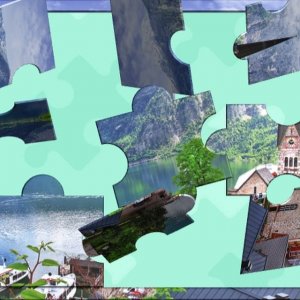
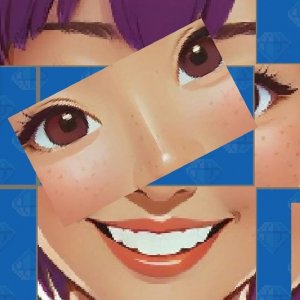
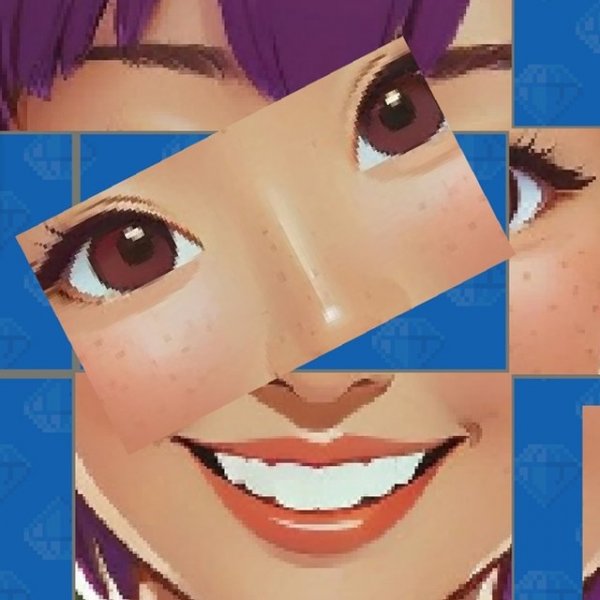
Big Pixel Puzzles Online Puzzle Game is a relaxing and family-friendly puzzle experience that invites players to assemble colorful pixel art images. The core objective is to piece together each picture by dragging and dropping shuffled parts into their correct positions. What makes this game unique is its focus on charming, pixelated visuals and a progressive unlocking system where completing levels reveals new categories and images. Designed to be accessible for players aged 3 and up, it offers a calm and brain-teasing activity suitable for all ages. The game runs smoothly on various devices, including PCs, tablets, and mobile phones, making it easy to enjoy anywhere.
How to Play
Players start by selecting a category and the first image. The completed picture is shown briefly, then its parts are scrambled. Using a mouse or touch input, players drag and drop each piece back into its correct position on the grid. If you need help, a magnifying glass icon allows you to view the finished image for a few seconds. Additionally, an auto-solve feature can automatically place half of the puzzle pieces, making the task easier. As you complete levels, new categories and images unlock, providing a steady stream of content to explore.
Game Features
This puzzle game includes a variety of features typical of online jigsaw-style games: a simple drag-and-drop control scheme that works on PC, tablets, and mobile phones; a preview tool to view the completed image temporarily; an auto-solve option that solves half the puzzle automatically; multiple categories and images that unlock as you progress; and a relaxing, non-violent theme suitable for young children and adults. The pixel art style adds a nostalgic and charming visual appeal.
Tips for Success
To get the most out of your puzzle experience, start with easier categories to build confidence and unlock more content. Use the preview tool whenever you feel stuck to refresh your memory of the image. The auto-solve feature can be helpful for difficult puzzles, but try to solve pieces on your own first for a greater sense of accomplishment. Practice regularly to improve your spatial reasoning and pattern recognition. Finally, take breaks if you feel frustrated, as a calm mind often finds solutions more easily.
✅ Compatibility & Testing
All games on this site are manually tested on: • Desktop (Windows 11, macOS Ventura) • Mobile (iPhone 14, Samsung Galaxy S23) • Tablet (iPad Pro, Android tablet) 📌 Supported browsers: Chrome, Safari, Edge, Firefox (latest versions) 📌 Not supported: Internet Explorer, older browser versions