Reviews
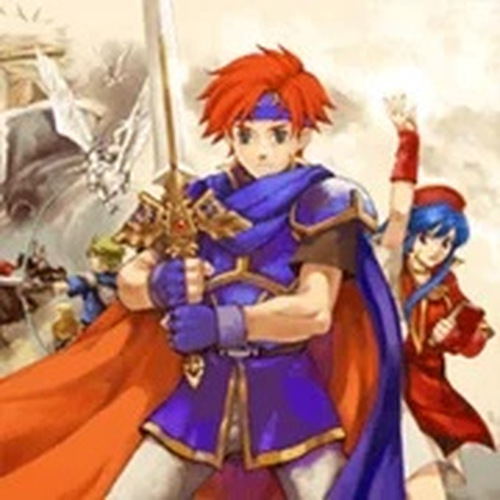
Grid Command: Turn-Based War delivers a polished tactical experience that respects the player's intelligence. The core loop of positioning units and managing abilities on varied maps is consistently engaging. The retro visuals are charming and keep the focus on gameplay. While the story is minimal, the strategic variety across missions provides strong replay value. It is an excellent choice for anyone who enjoys methodical, turn-based combat without the pressure of real-time action.
Description
Core Battle Mechanics
Grid Command: Turn-Based War places you in control of a squad of unique heroes on a tile-based battlefield. Each round, you decide where to move and which enemy to engage. The order of actions matters—positioning a ranged unit on high ground before moving a melee fighter into the front line can turn the tide. Terrain features like walls and elevation provide cover or vantage points, so every step must be calculated. This system rewards patience and foresight over speed, making each encounter a puzzle of movement and timing.
Hero Roles & Unit Management
Your roster includes heroes with distinct roles, such as frontline defenders, ranged attackers, and support units. Each hero has a set of abilities that complement others. For example, a defender can shield nearby allies, while a healer restores health between turns. Managing their placement and conserving their special moves for critical moments is key to overcoming tougher foes. The game encourages you to experiment with different team compositions to find what works best for each scenario.
Campaign & World Design
The story unfolds across a series of handcrafted maps, each with its own layout and objectives. Some missions require you to hold a position against waves of enemies, while others demand a swift assault on a fortified base. The fantasy setting includes forests, ruins, and fortresses, each introducing new tactical considerations. As you progress, enemy types become more varied, forcing you to adapt your strategies. The narrative is woven through brief dialogues and mission briefings, keeping the focus on the action.
Progression & Replayability
Between battles, you can review your performance and adjust your approach. The game allows you to save at any point, so you can retry difficult sections without losing progress. This freedom encourages experimentation—try a risky flanking maneuver or a defensive hold to see what yields the best result. The combination of varied maps, enemy compositions, and hero abilities means no two playthroughs feel identical. For players who enjoy mastering systems, there is depth to uncover in how each unit interacts with the environment.

03 Comments
Sign in to comment
You must be logged in before posting a review or rating.
No account? Create one
No comments yet. Be the first to comment!